

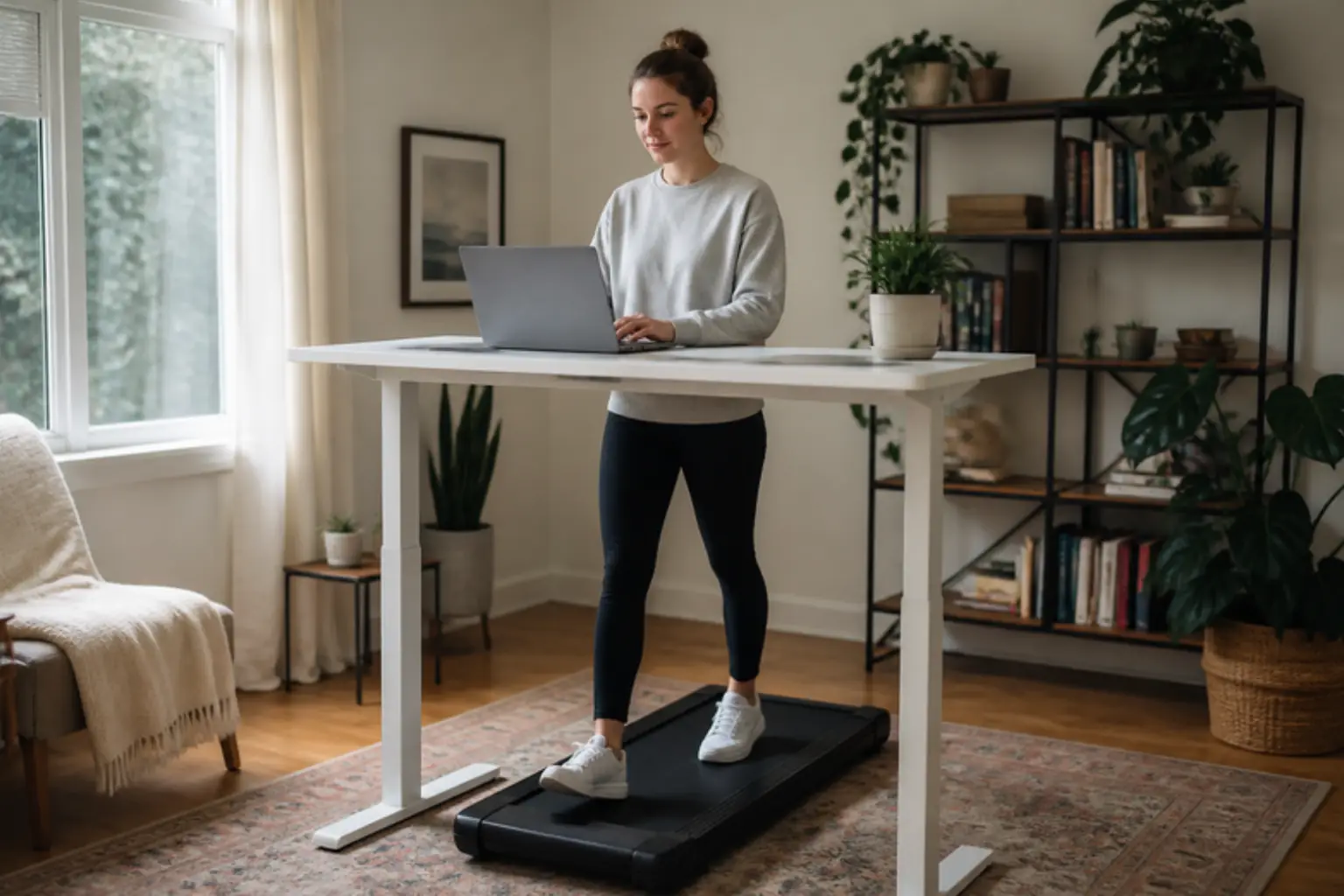
Short answer
Most walking pad repair is simple: check the safety key, the outlet and the remote batteries first, then fix belt slipping or drift with small quarter turns of the rear roller bolts. Leave the motor and control board to the maker while the pad is under warranty.
Key takeaways
- Most fixes are the safety key, the remote, belt tension and a dry belt.
- Turn the rear bolts a quarter turn at a time.
- Plug the pad into a wall outlet.
- Call support before opening the motor cover.
Below: the fix for each symptom and when to call support.
Walking Pad Repair at a Glance
Find your symptom, try the owner fix, and call support if it does not help. Each line is explained below.
| Symptom | Likely cause | Owner fix | Call support when |
|---|---|---|---|
| Will not turn on | Safety key, switch, outlet | Seat the key, check the switch, plug into a wall outlet | Still dead on a working outlet |
| Stops after a while | Standby mode or heat cut-out | Restart, shorten sessions, check the weight rating | It stops within minutes |
| Remote does nothing | Battery or pairing | New battery, re-pair as the manual says | The pad works only on the remote and it fails |
| Belt slips or hesitates | Loose or dry belt | Tighten both rear bolts a quarter turn; lubricate | It slips after tension and oil |
| Belt drifts to one side | Alignment | Quarter turn on the rear bolt of the side it drifts toward | It keeps drifting after alignment |
| Squeaks or grinding | Dry belt, loose screw, roller | Lubricate, tighten cover screws | Grinding or a burning smell |
Check Amazon for current pricing and availability.
Safety First
Unplug the pad before you touch the belt, the rollers or the motor cover, and keep children and pets away while you work. Never reach under a moving belt.
Power matters on a walking pad, because the motor draws a lot of current at start. The Electrical Safety Foundation advises using extension cords only for temporary needs, one appliance per cord, with a cord rated at least for the appliance, and plugging power strips straight into the wall. The simplest rule for a pad is a wall outlet.
Watch out: A burning smell, smoke, sparks or a hot plug: unplug the pad, stop using it and contact the maker.
Walking Pad Will Not Start or Keeps Stopping
Our common treadmill problems guide covers the same checks on a full-size treadmill, with motors and incline.
- Safety key or magnet: most pads will not start without it. Seat it fully, then press start.
- Power switch and outlet: many pads have a switch near the power cord. Test the outlet with a lamp and skip the power strip.
- Standby mode: many pads sleep after a few idle minutes; press start or power on again.
- Heat cut-out: a pad that stops after a long session may be protecting its motor. Let it cool, shorten sessions and check that you are within the weight rating.
- Display codes: note the code and look it up in the manual before you call support.
Remote and App Problems
- Battery first: a weak remote battery is the most common cause; replace it.
- Re-pair: most remotes pair by holding a button while the pad powers on; the manual gives the exact steps.
- One controller at a time: close the app if you use the remote, and the other way round.
- Keep a spare: if the pad has no buttons on the deck, a lost remote means a stopped pad; ask the maker for a replacement.
Belt Slipping or Hesitating
A belt that slips or jerks under your step is usually loose, dry or both. Tension is set with two bolts at the rear roller, one on each side.
- Unplug the pad and find the two rear bolts; the manual names the key size.
- Tighten both bolts a quarter turn clockwise, by the same amount, so the alignment does not change.
- Test at a slow speed with your weight on the belt; repeat a quarter turn at a time if it still slips.
- Do not overtighten: a belt that is too tight wears the rollers and the motor.
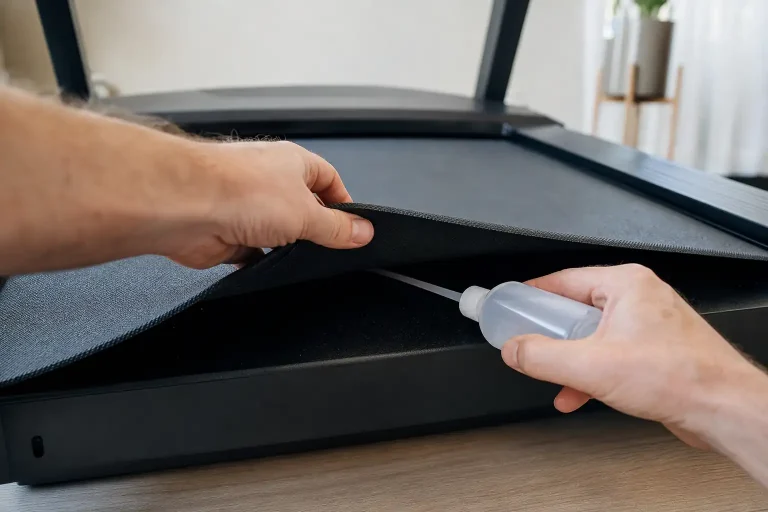
- Lubricate if the belt still slips or squeaks; our how to lubricate a treadmill guide shows how.
Belt Drifting to One Side
A belt that creeps left or right needs alignment, often after a move or on an uneven floor. Put the pad on a flat, hard surface first.
- Run it empty at a slow speed and watch which side the belt moves toward.
- Turn one bolt: a quarter turn clockwise on the rear bolt of the side the belt drifts toward.
- Wait a minute and watch the belt settle before the next turn.
- Stop when it runs centered, then walk on it for a few minutes and check again.
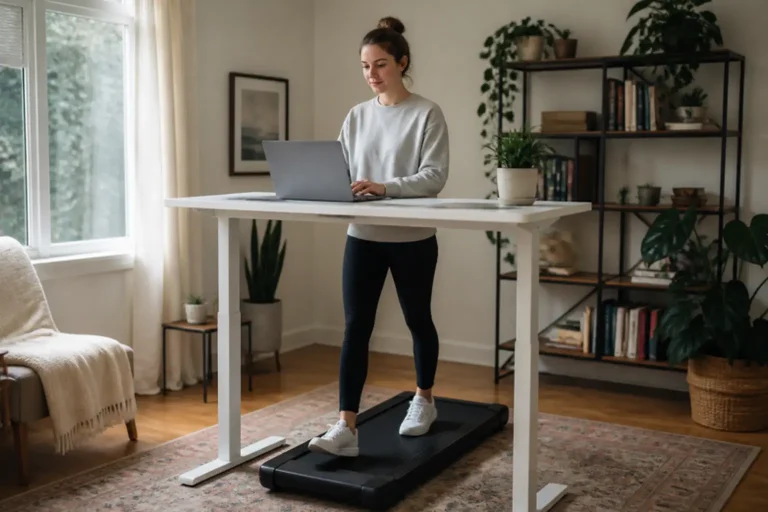
Pro tip: Walk in the middle of the belt. A pad used at a desk often drifts because you lean to one side while you type.
Squeaks, Thumps and Grinding
A mat under the pad cuts noise on hard and upper floors and keeps dust out of the motor area.
- Squeak that follows your steps: often a dry belt; lubricate it.
- Regular soft thump: often the belt seam passing the rollers, which is normal.
- Rattle: tighten the motor cover and frame screws.
- Grinding or a rising whine: a roller or motor problem; stop and call support.
When to Call Support and Use the Warranty
Call the maker before you open the motor cover or replace a part: the walking pads we review carry 1 to 2 years of cover, and work you do yourself can affect a claim. Have the model, the serial number, your order details and a short video of the problem ready.
The FTC explains how to check what a warranty covers, for how long, and whether you pay for labor or for shipping parts. Keep the box for the first weeks if the pad would have to go back.
Walking Pads Built for Easier Ownership
If your pad is beyond repair, two picks from our rankings with high weight ratings and incline.
Highest weight rating

Trisomy D2
FitScore 66.5/100
A 3.5 HP walking pad with 15% auto incline and a 450-lb rating that folds to about 6.4 inches tall.
Ranked in our Best Walking Pad guide
Read our Trisomy D2 review
Check Price on AmazonBest under a desk

Acezoe P14
FitScore 73.8/100
A walking pad with a 40-inch belt, 15% auto incline and a 300-lb rating.
Ranked in our Best Under Desk Treadmill guide
Read our Acezoe P14 review
Check Price on AmazonChecklist Before You Buy
6 checks
Tap a number to check off that step.
- 01
Unplug before you touch the belt or rollers.
- 02
Check the safety key, switch, outlet and remote battery first.
- 03
Adjust belt bolts a quarter turn at a time.
- 04
Lubricate the belt as the manual says.
- 05
Use a wall outlet, not a power strip.
- 06
Call support before opening the motor cover.
Common Mistakes to Avoid
Mistake 1Tightening one bolt to fix slipping, which pulls the belt off center.
Mistake 2Overtightening the belt.
Mistake 3Running the pad on a thick carpet or uneven floor.
Mistake 4Using a light extension cord.
Mistake 5Opening the motor cover during the warranty.
The Bottom Line
- Unplug the pad before you touch the belt, the rollers or the motor cover.
- Most pads will not start without the safety key or magnet in place.
- Belt tension and alignment are set with two bolts at the rear roller, a quarter turn at a time.
- A dry belt slips and squeaks; lubricate it as the manual says.
- The walking pads we review carry 1 to 2 years of cover: claim before you open anything.
Our Top Picks
 Highest weight ratingTrisomy D2FitScore66.5/100Check on Amazon
- Best under a deskAcezoe P14FitScore73.8/100Check on Amazon
Frequently Asked Questions
Check the safety key or magnet, the power switch near the cord and the outlet. Plug it straight into a wall outlet, not a power strip, and replace the remote battery.
The belt is usually loose or dry. Unplug the pad, tighten both rear roller bolts a quarter turn each and test at a slow speed; lubricate the belt if it still slips.
Run it empty at a slow speed and turn the rear bolt on the side the belt drifts toward a quarter turn clockwise. Wait a minute between turns.
Many pads go into standby when idle, and some cut out to protect the motor after long sessions or near the weight limit. Let it cool and check the manual for the code shown.
Follow the manual; many makers suggest every few months or after a set number of hours. A squeak or slipping belt is a sign it is due.
Yes for keys, remotes, tension, alignment and lubrication. For a failed motor or board out of warranty, compare the repair quote with a new pad.
Explore More Walking Pad Guides
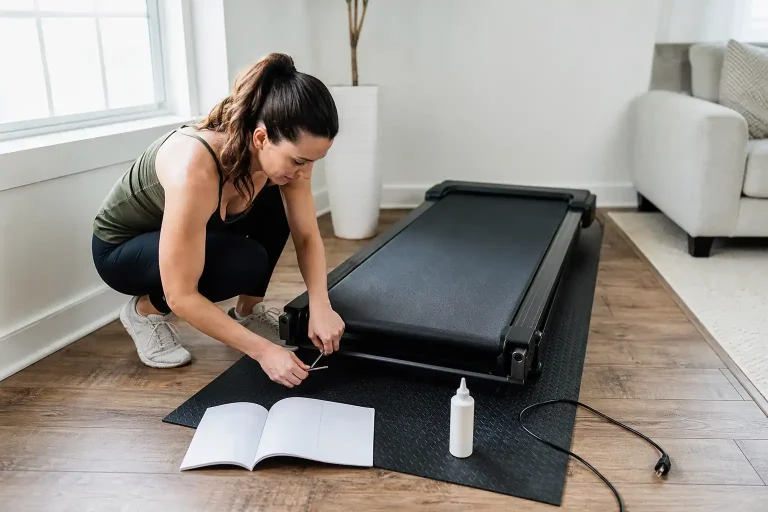
Common Treadmill Problems (2026): Causes, Safe Fixes and When to Call Support
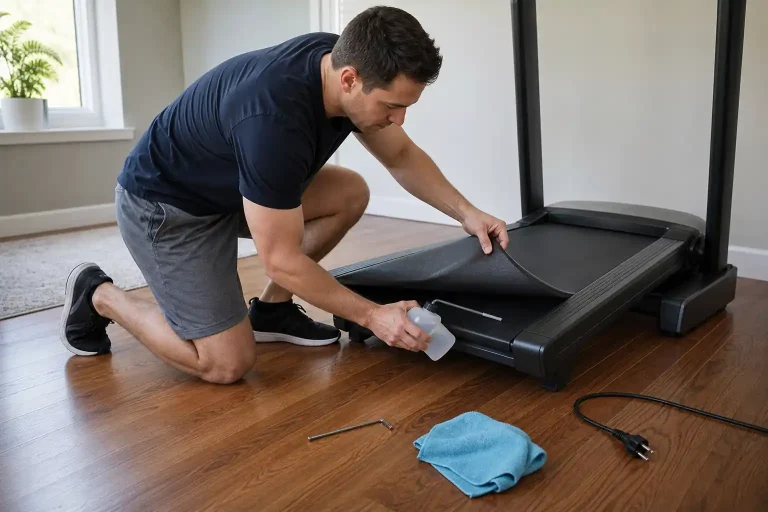
How to Lubricate a Treadmill (2026): Step-by-Step Silicone Belt Guide
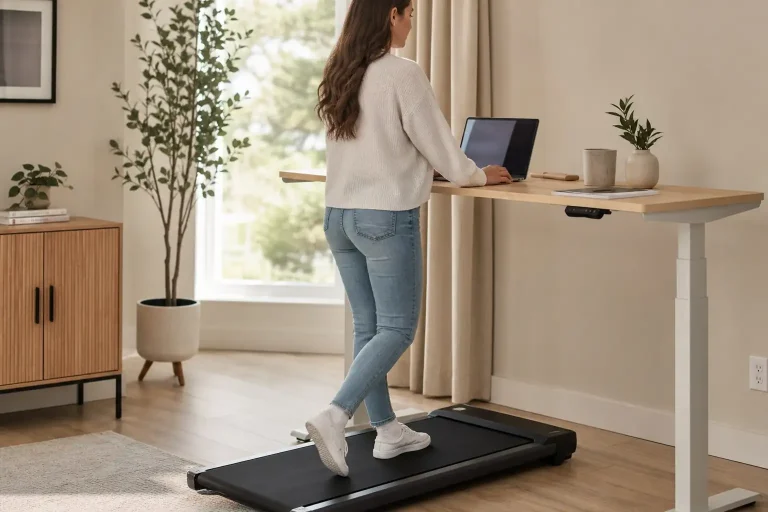
What Is a Walking Pad? (2026): Types, Specs and How to Choose One
Best Walking Pad (2026): 5 Picks for Home and Under-Desk Walking
Can You Run on a Walking Pad? (2026): Which Models Handle Jogging
Best Treadmill Lubricant (2026): 5 Silicone Picks and How to Use Them
This article contains affiliate links. If you click through and make a purchase, we may earn a small commission at no extra cost to you. As an Amazon Associate, we earn from qualifying purchases. We do not show prices because they change constantly: product details and availability can change at any time, so please check the current price and details directly on Amazon. Learn more. Amazon and the Amazon logo are trademarks of Amazon.com, Inc. or its affiliates.
